Skip to content
Photoshoot

AI Headshot Generator

A shoulders-up photo for a work profile, team page or bio.

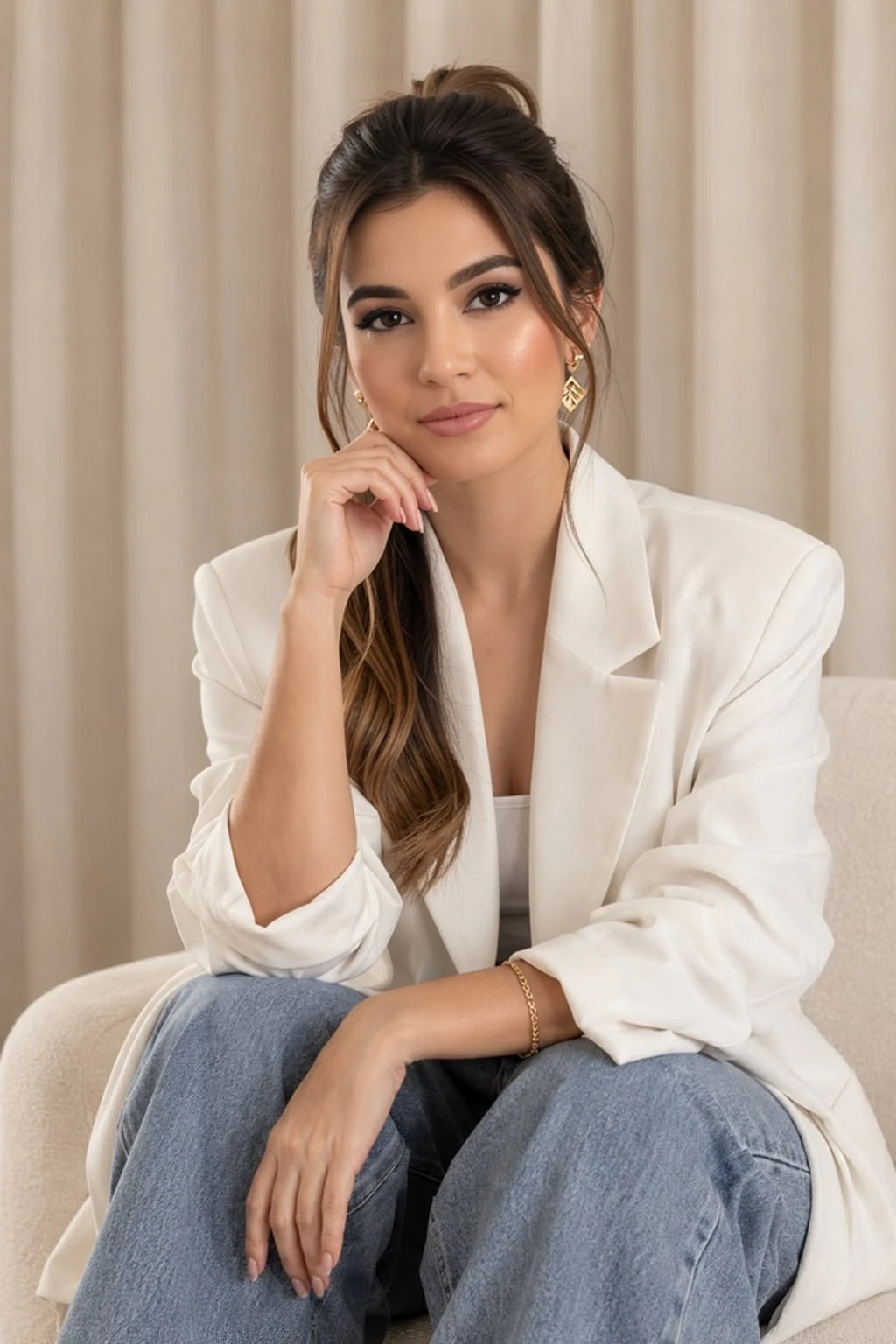
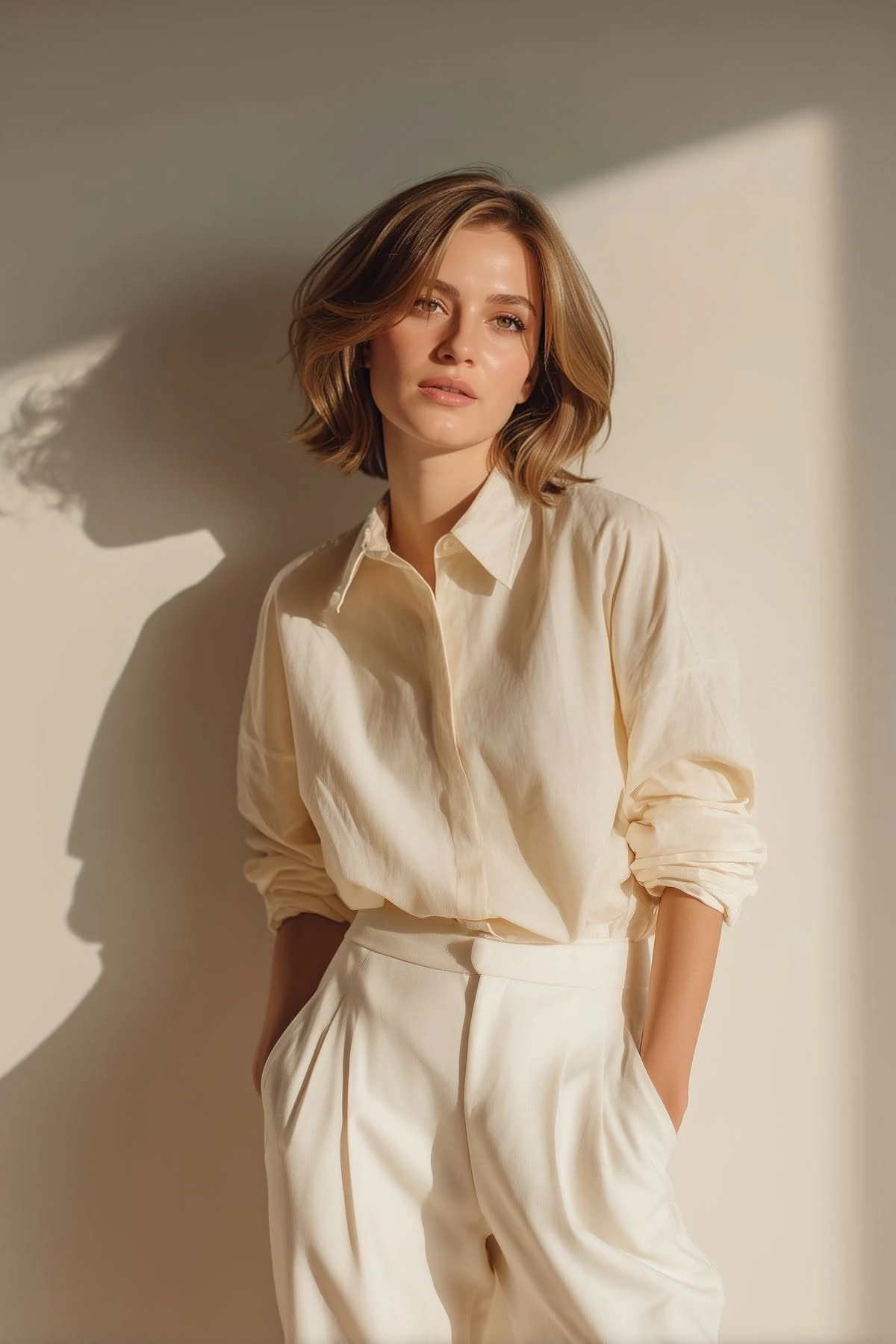
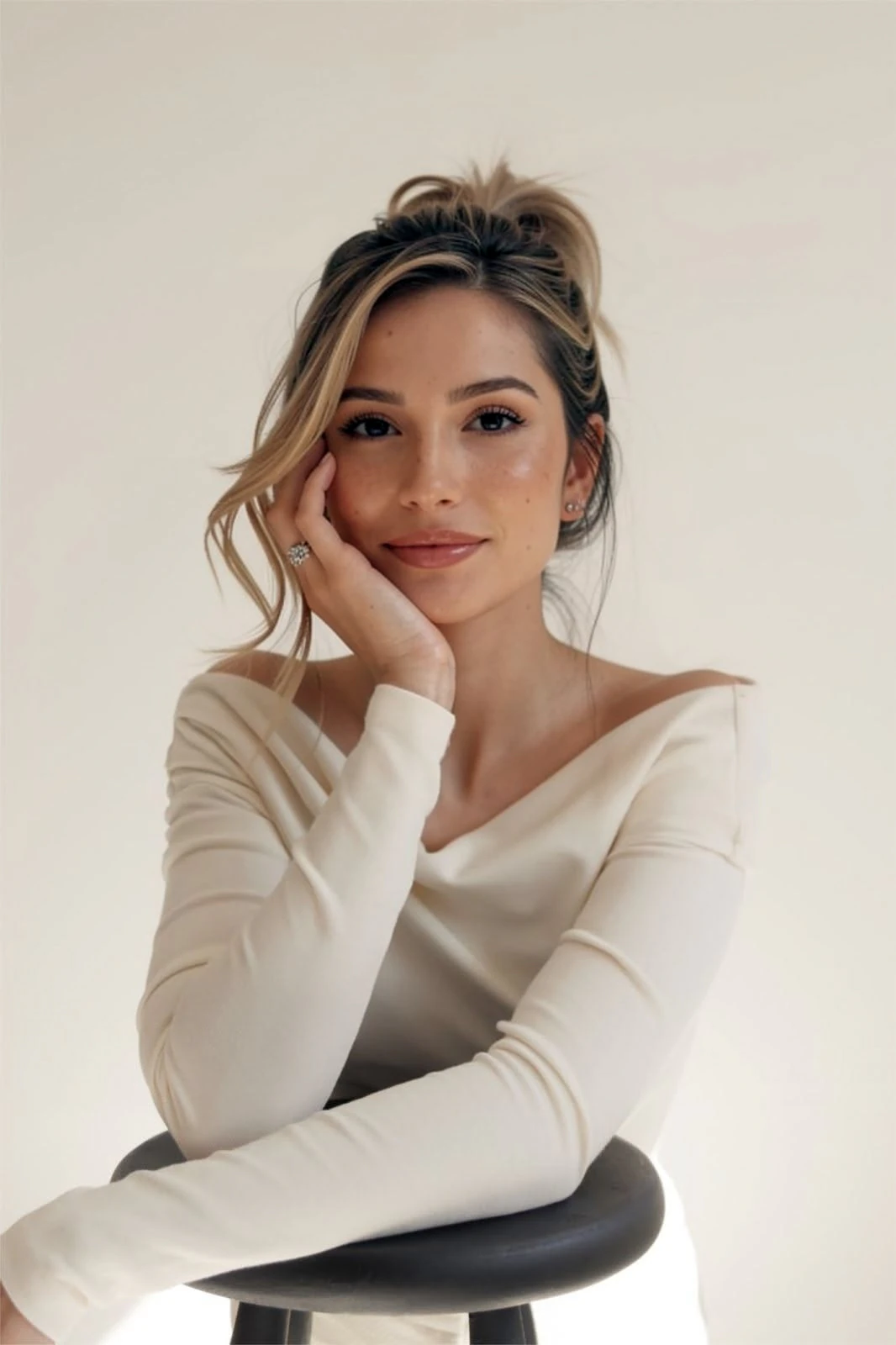
Choose a professional headshot from Instagram, the web, or your phone. Artisse recreates the light, backdrop and outfit with you in it.

Your first 3 photos are freeAbout 3–5 min · No sign-up · No card
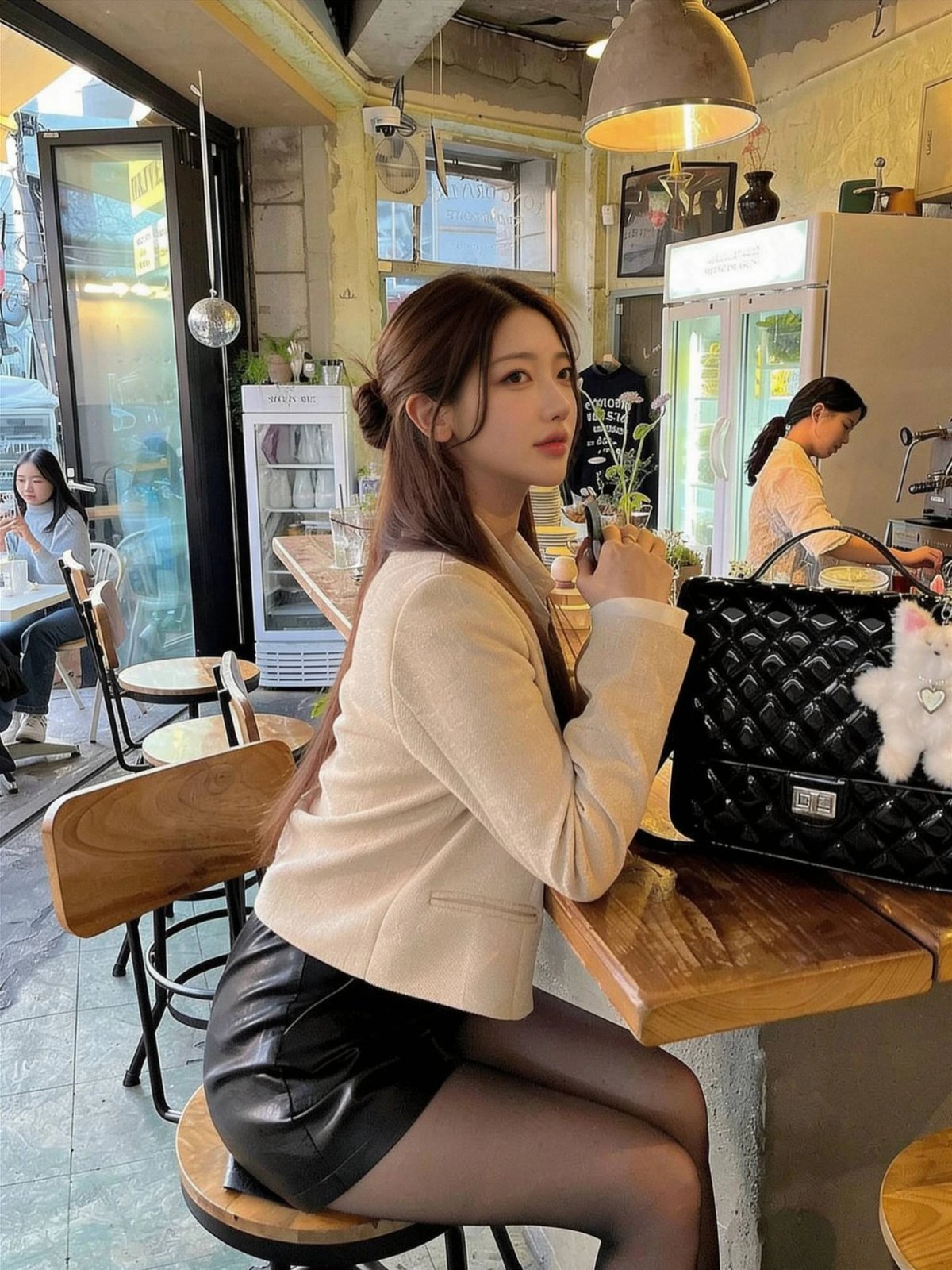
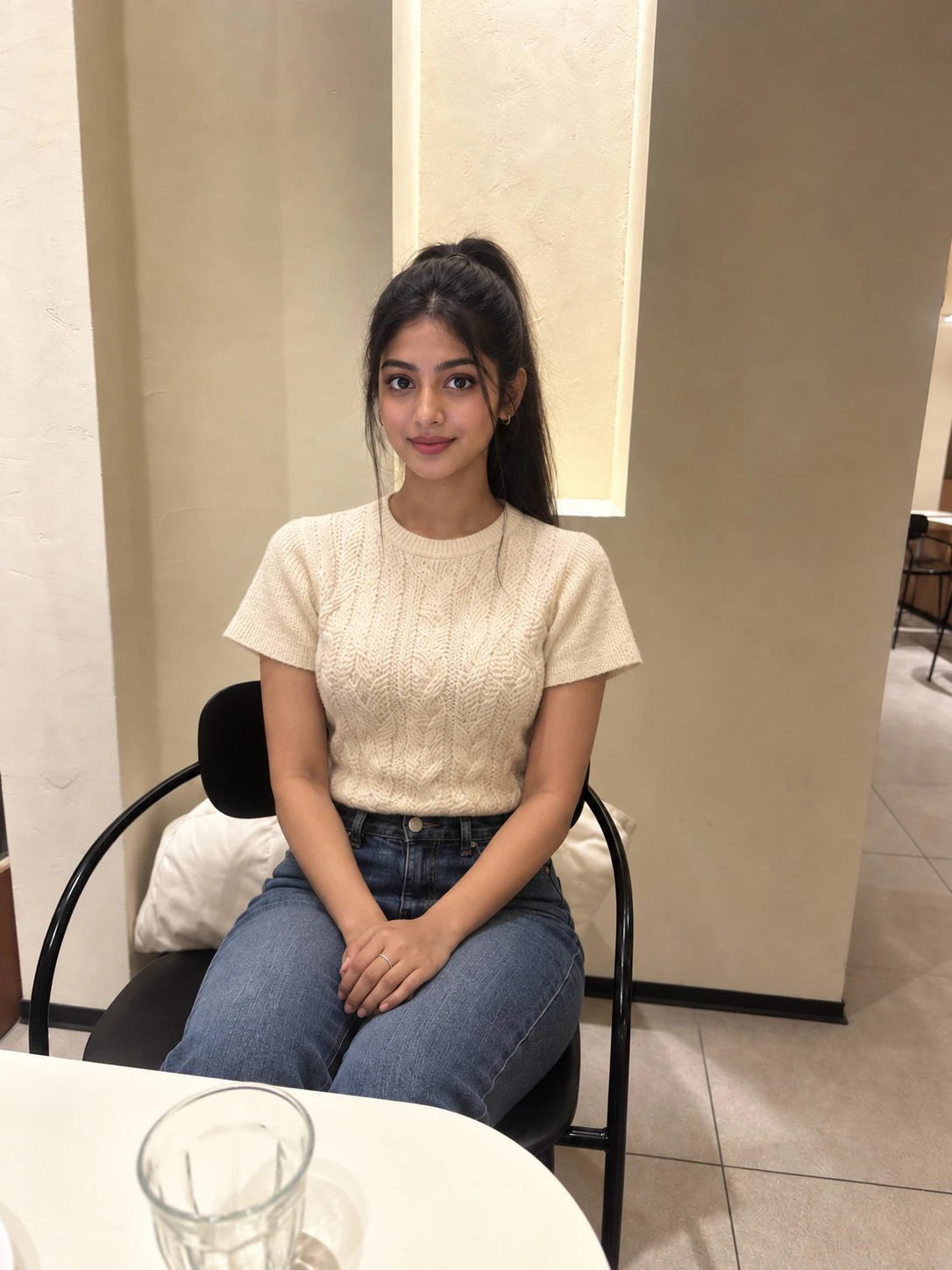
Example Artisse photo of the same person at a cafe table
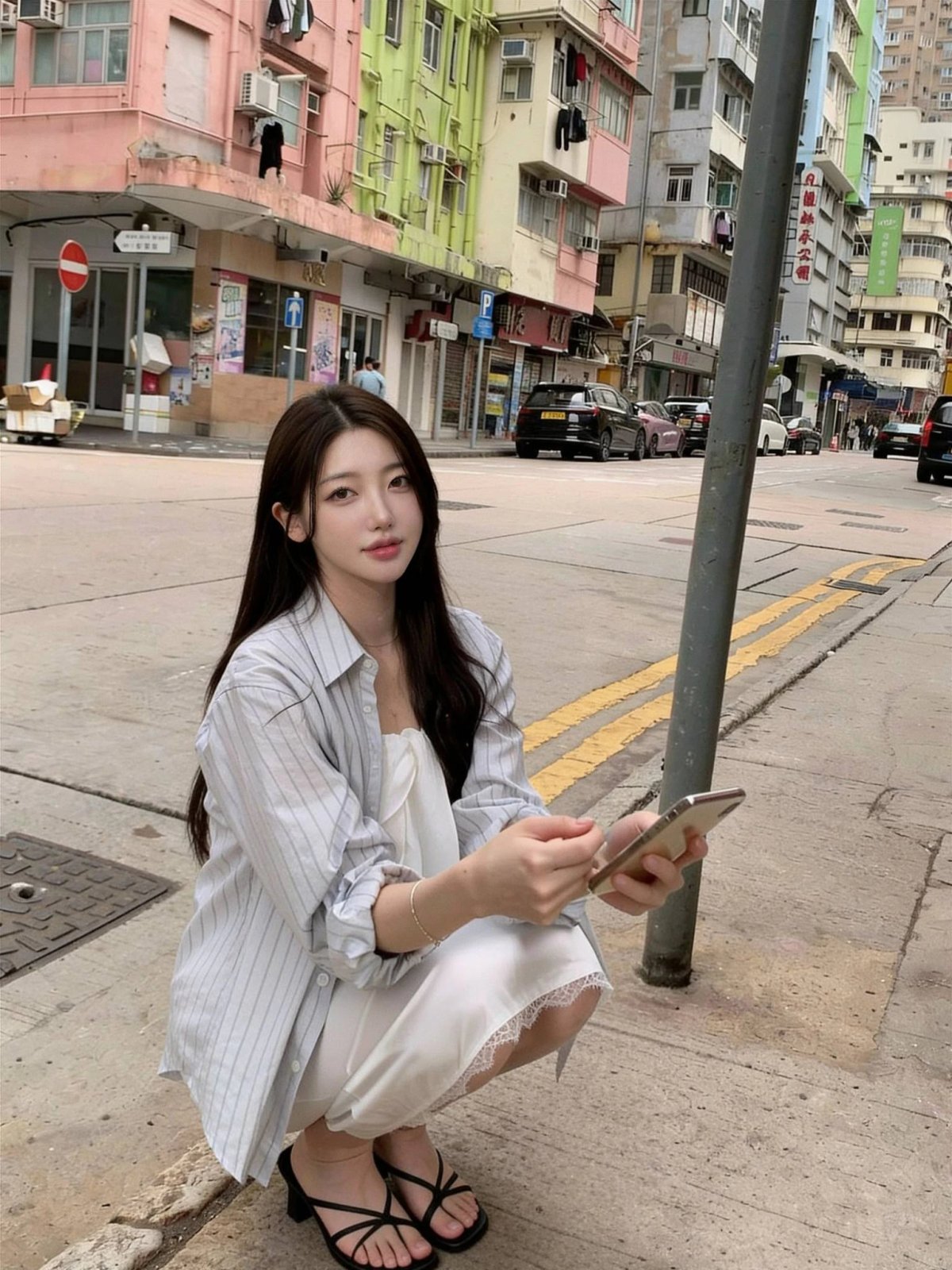
Example Artisse photo of the same person on a city street
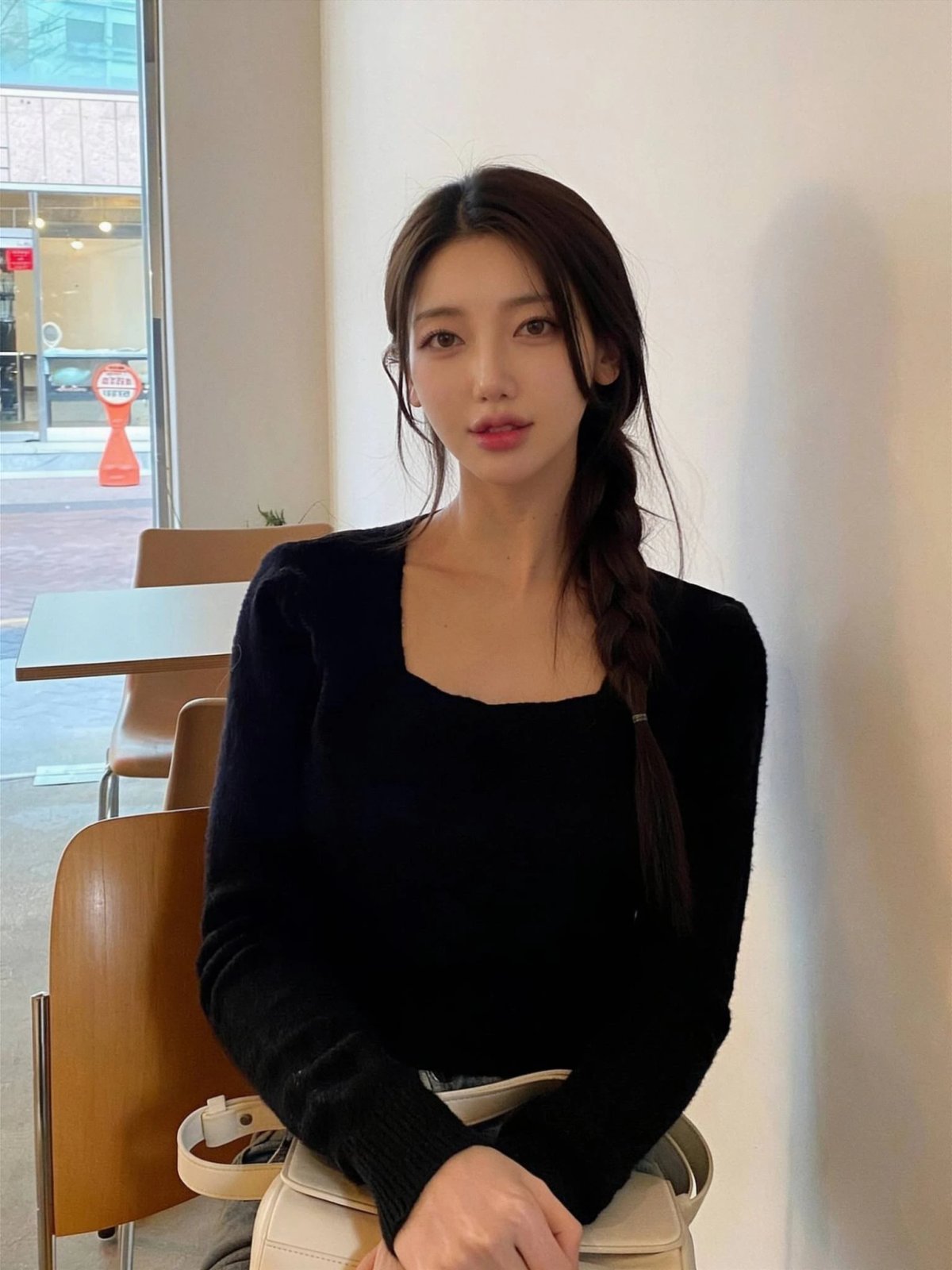
Example Artisse photo of the same person seated indoors
Your face photo
Your face
Made by Artisse

Selected examples · AI results vary.

10M+creators & businesses globally
1M+AI photos generated each month
Top 10Emerging Giant · KPMG & HSBC, 2022
Featured in
Forbes AustraliaTechCrunchThe Standard

Scale figures published by Artisse.

FACE SWAP VS. ARTISSE

Artisse recreates your body too.

A face swap only changes the face. Artisse makes a new photo of you: your face and your body.

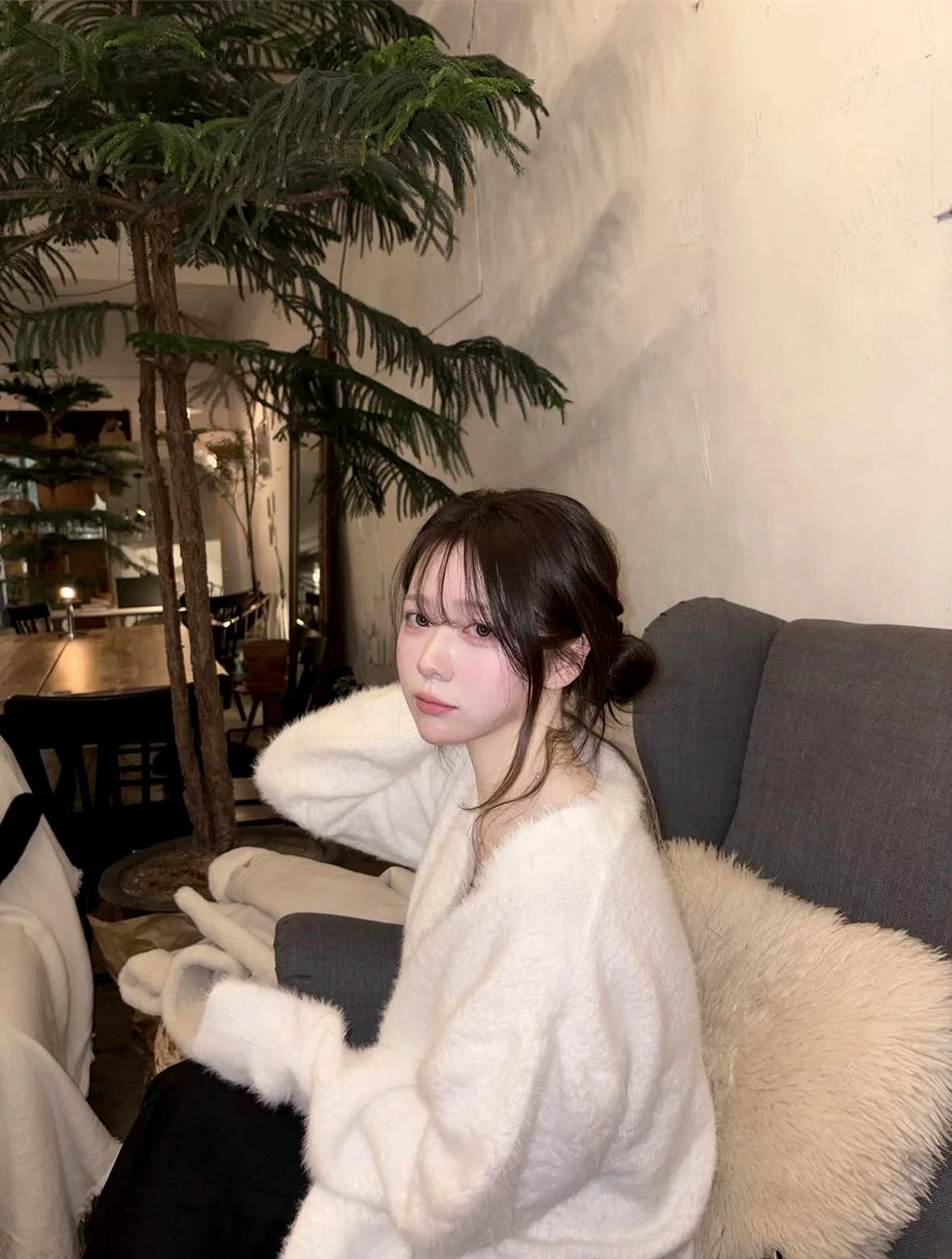
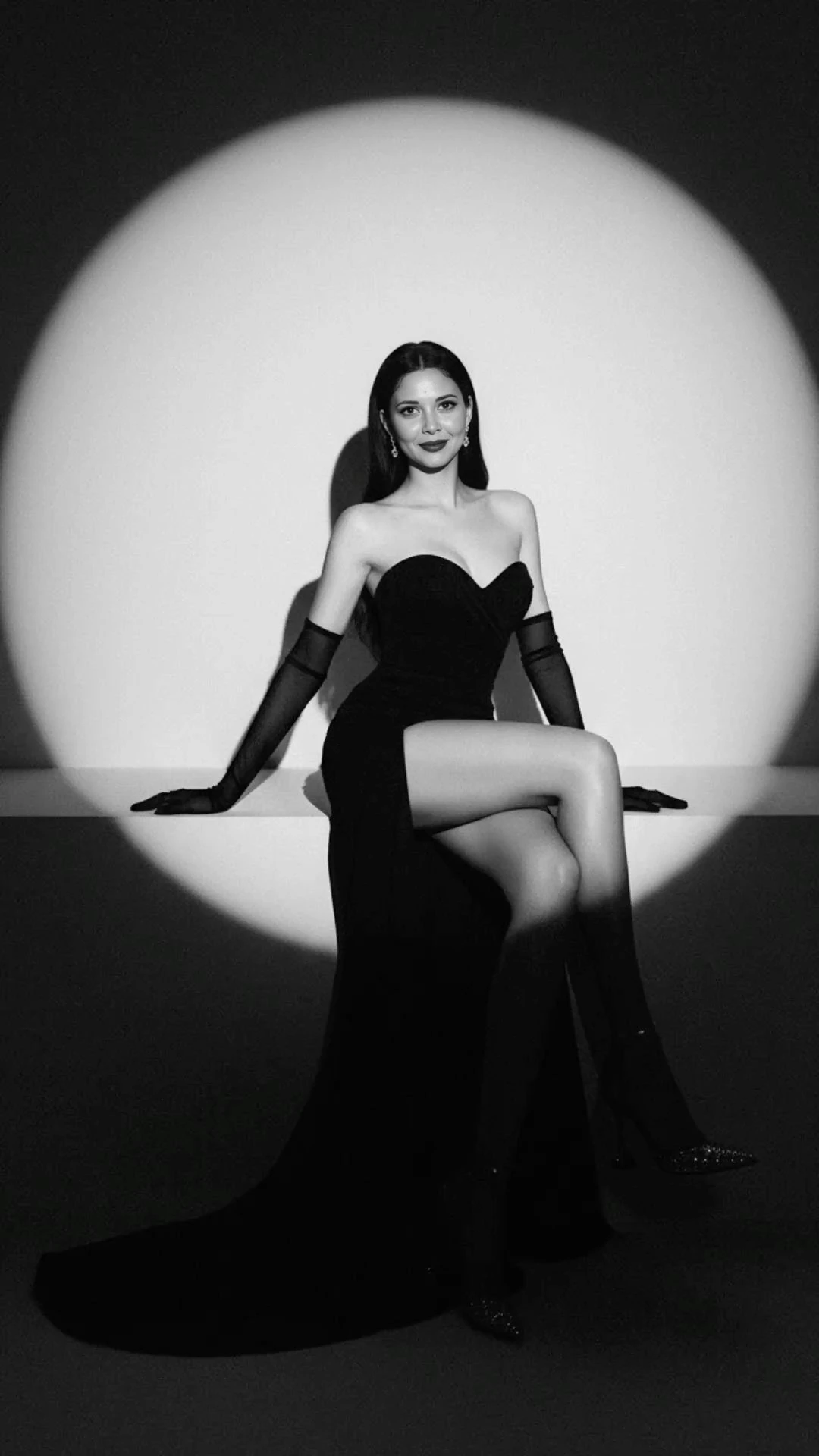
Reference portrait used to guide an Artisse recreation
Their photo
Example face photo used as the identity input
Your face
Face swapOnly the face changes.
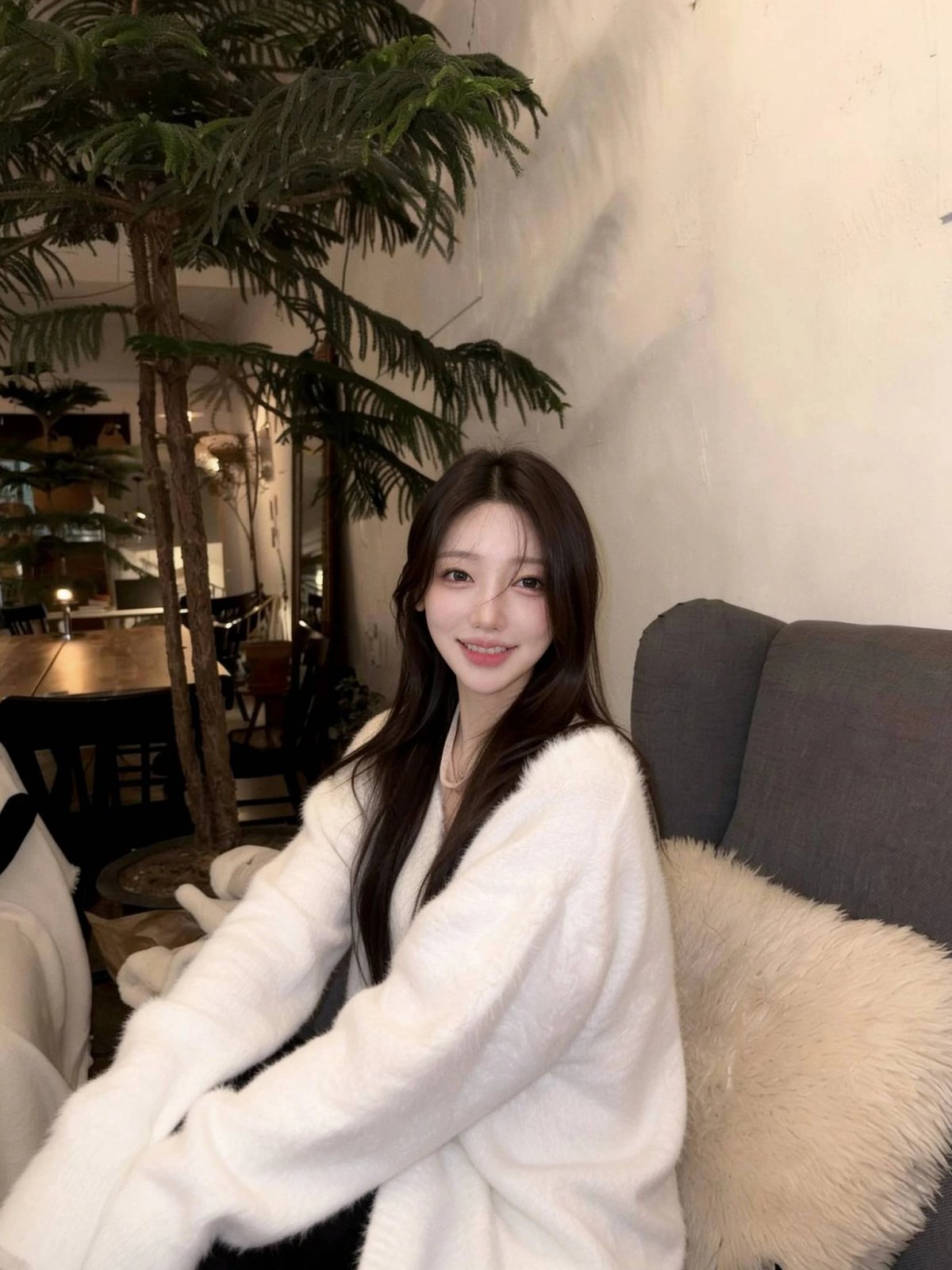
Face-swap example where the original seated pose and body remainYour face, pasted onStill their body
Made with ArtisseA new photo of you.
Artisse recreation of the reference photo with the example identityYour faceYour body
HOW IT WORKS

From a headshot you like to yours.

Made with Artisse: the chosen photo recreated with the example user's face
A photo you like, with someone else in it
Your face photo
1A photo you like2Your face3The new photo
Selected example · AI results vary.
  1. 1

    Pick the photo

    Choose a shoulders-up studio headshot with the backdrop and outfit you want.

  2. 2

    Add your face photos

    Add one body shot and two close-up face photos, with little or no filter.

  3. 3

    Create your version

    Create the headshot, then check it full size and as a small circle.
EXAMPLES

Headshot examples

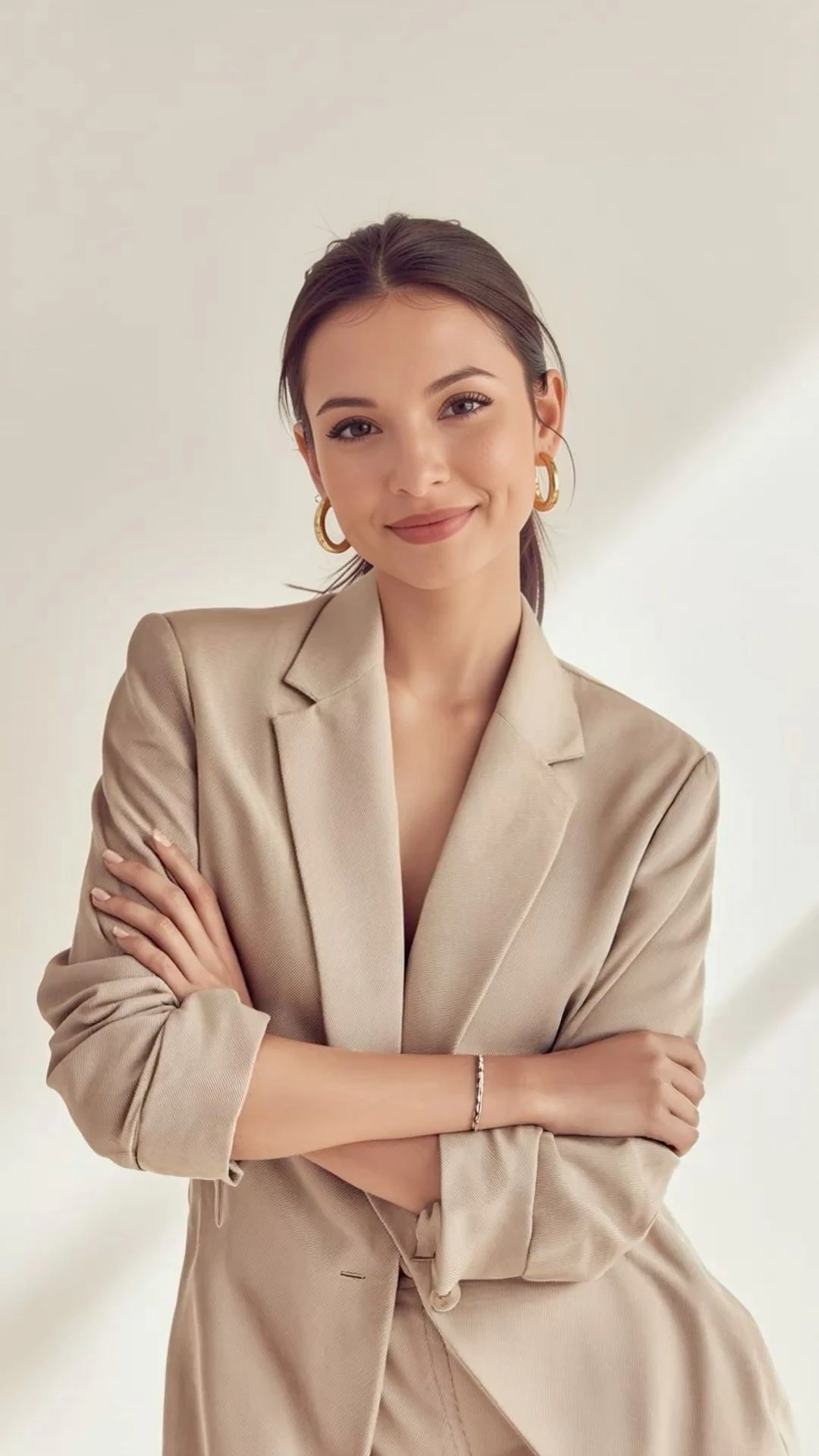
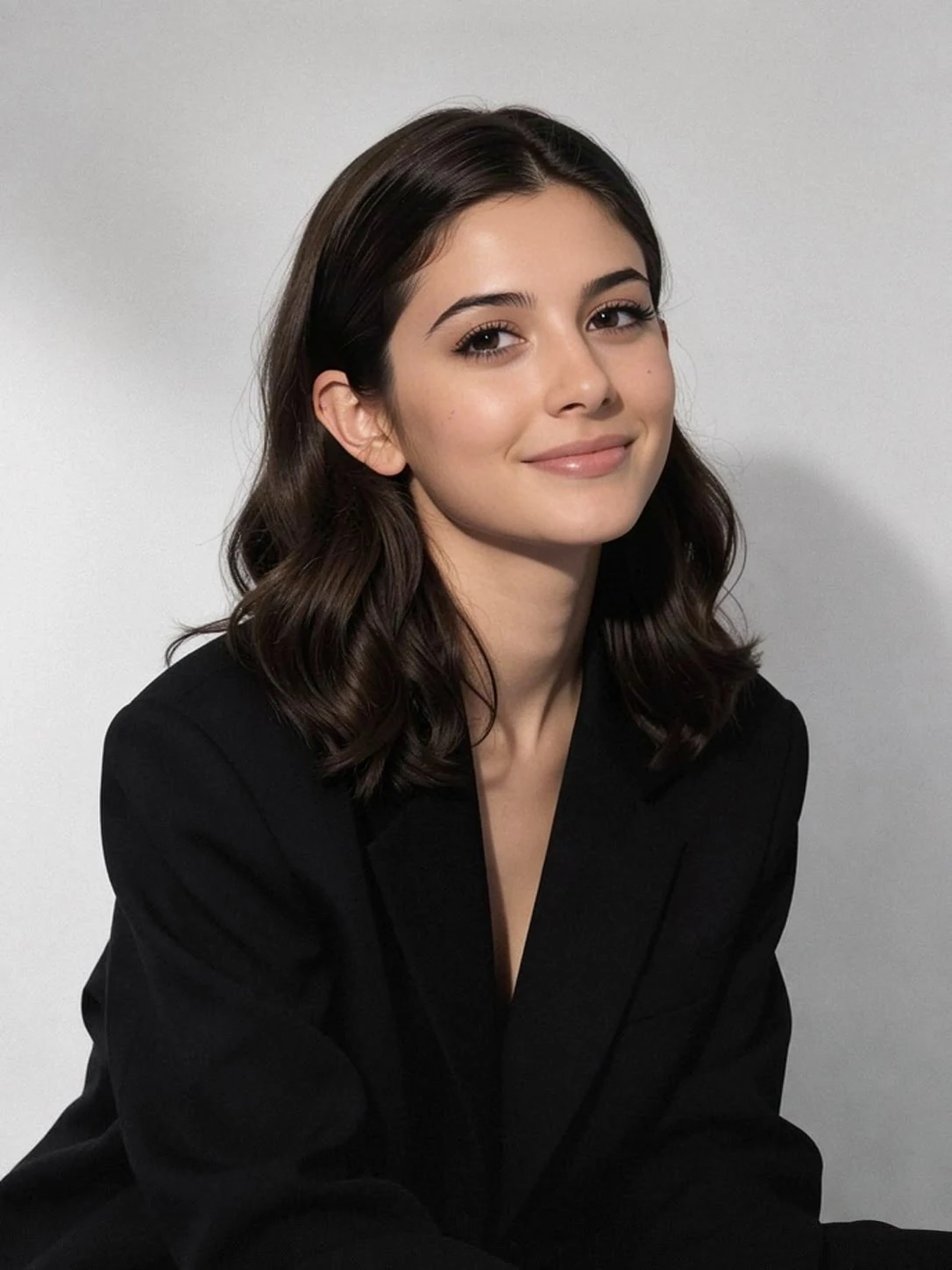
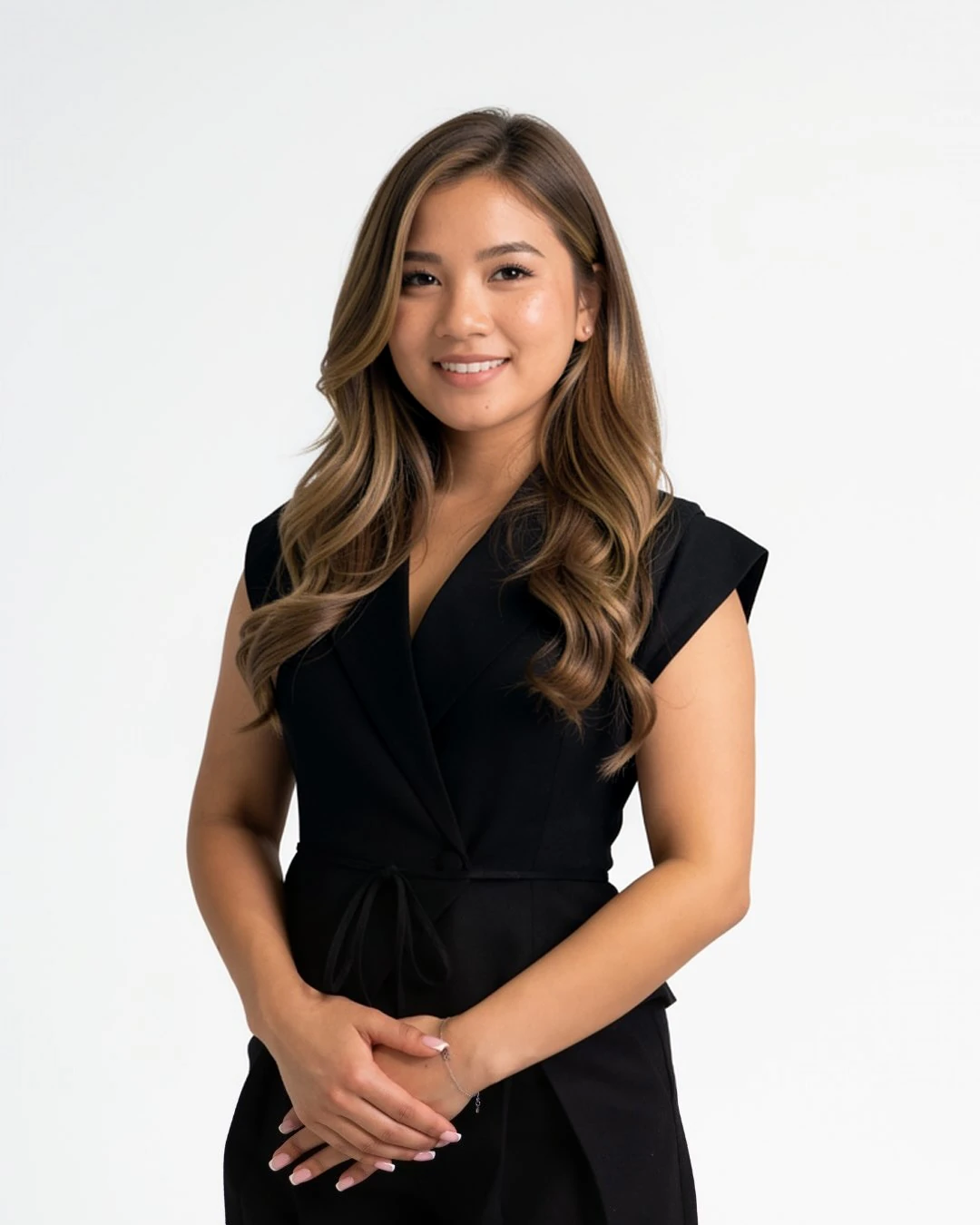
LinkedIn headshot

LinkedIn headshot

Plain backdrop, soft light, a friendly look.
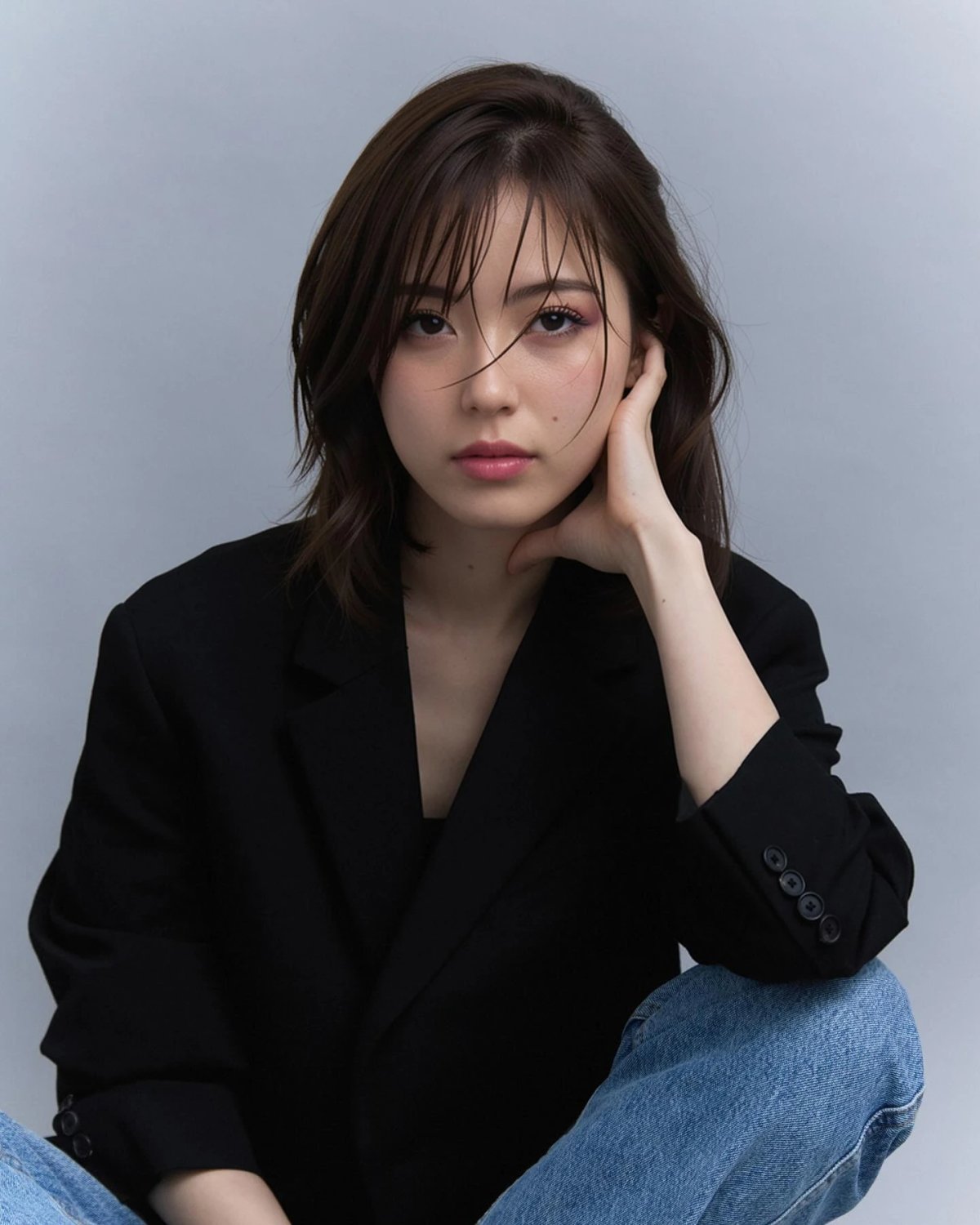
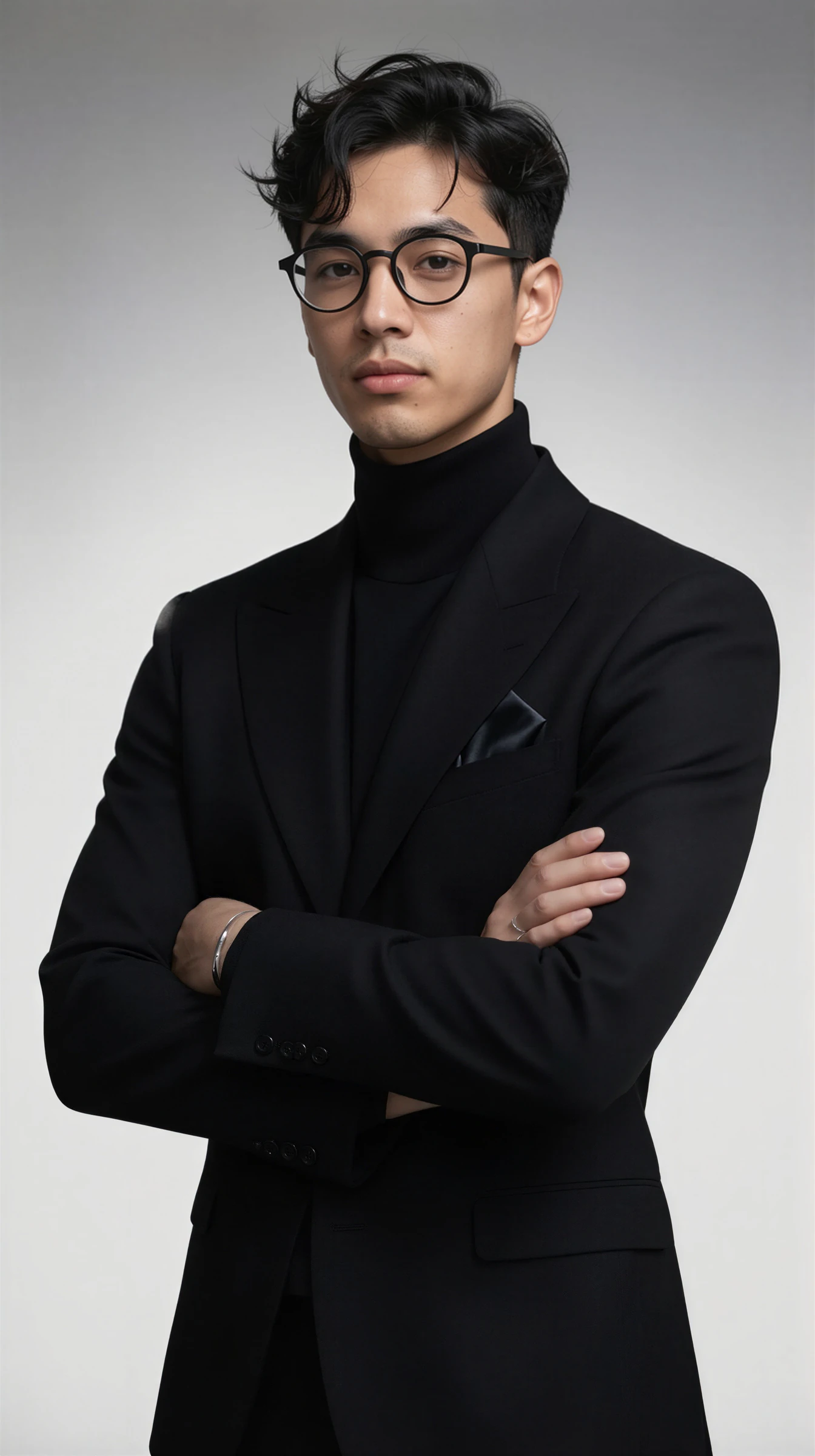
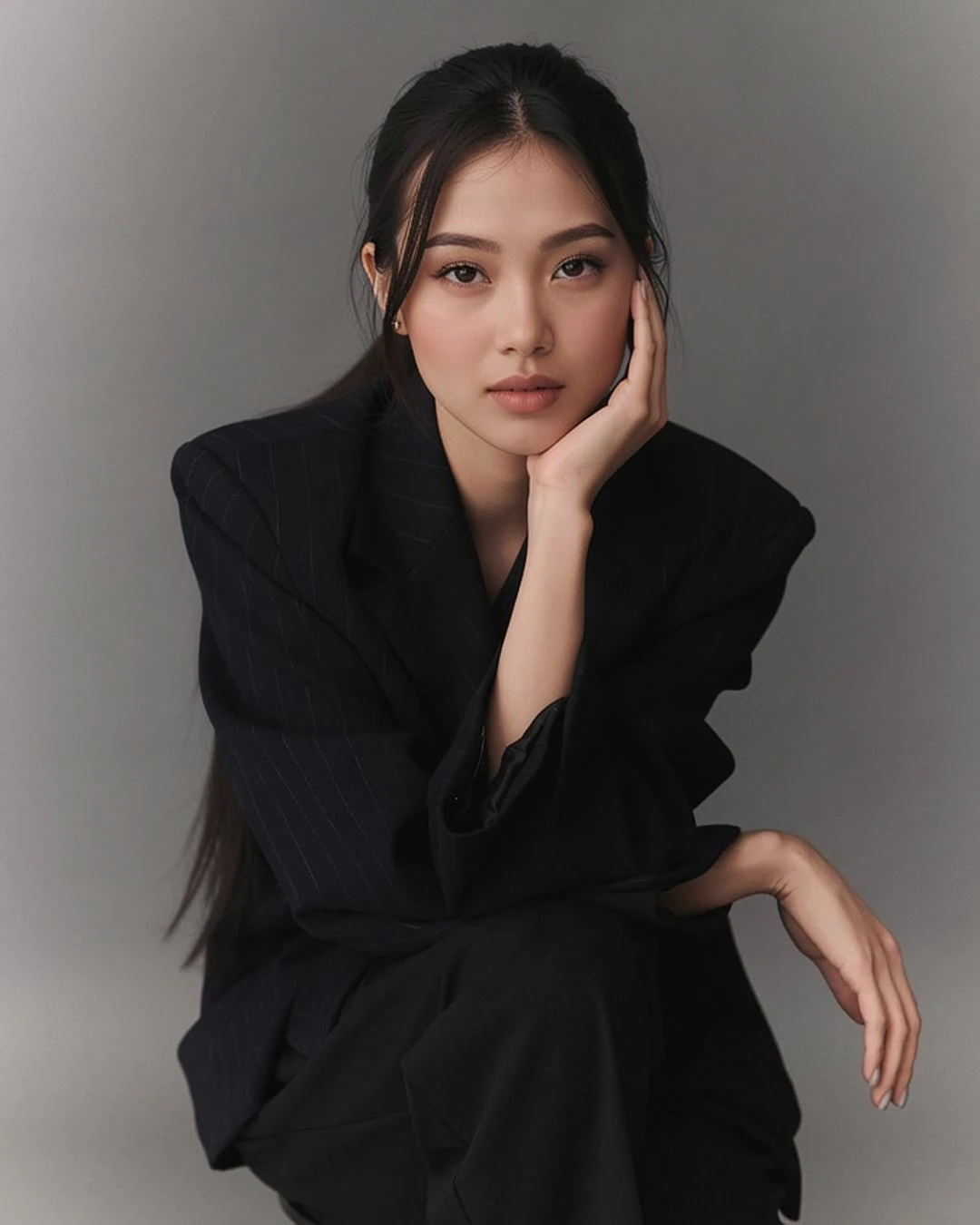
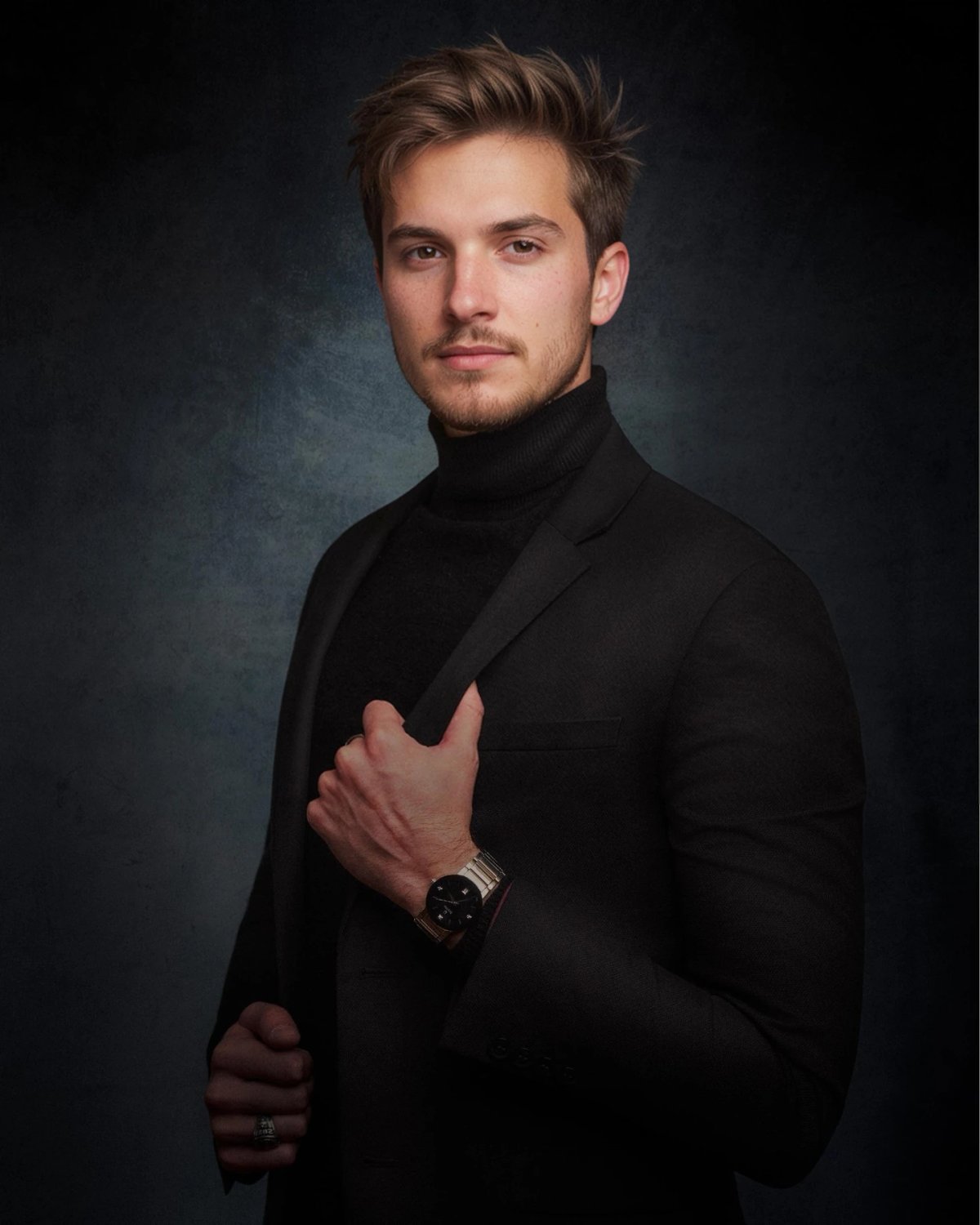
Corporate portrait

Corporate portrait

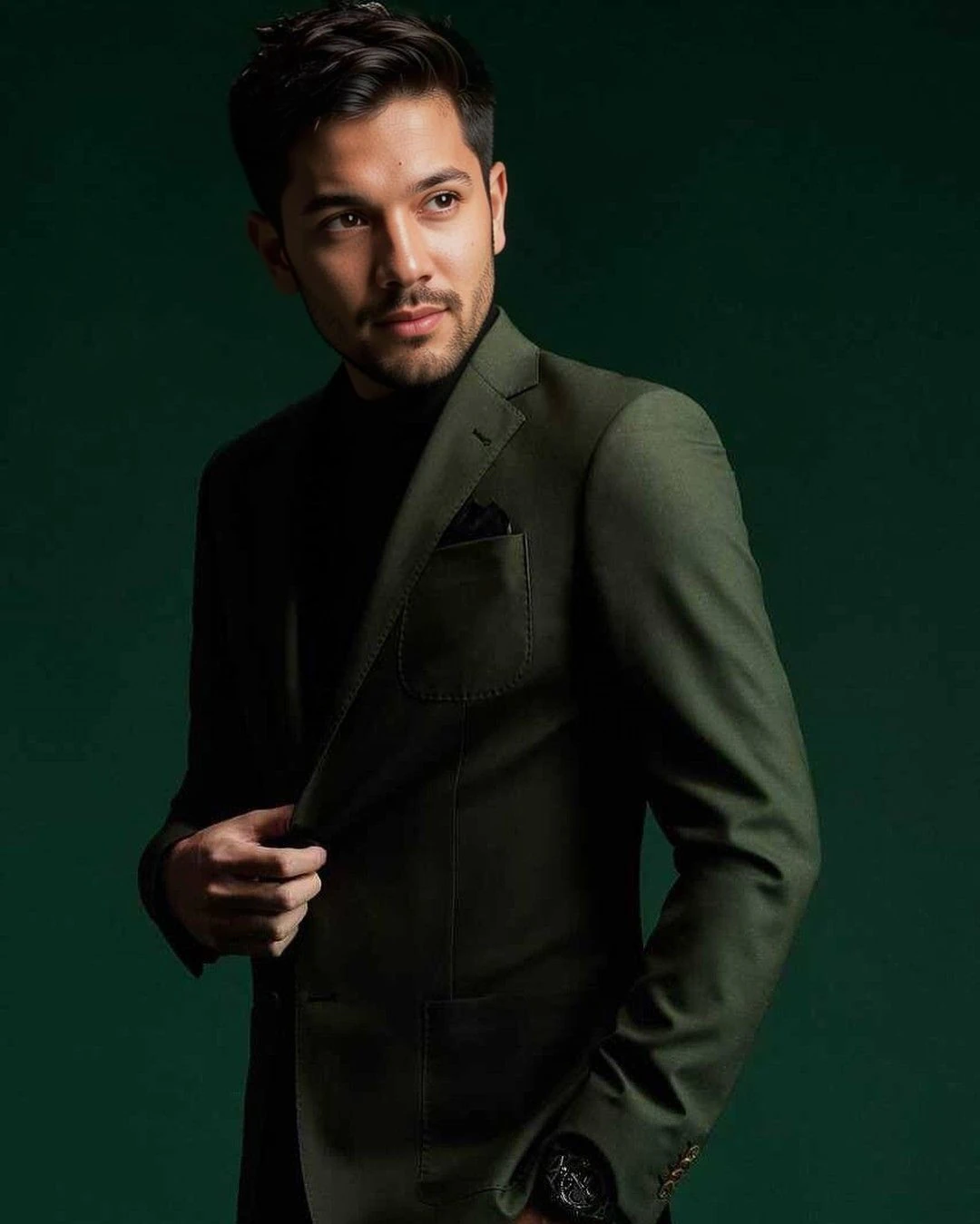
Dark suit, gray backdrop, straight to camera.
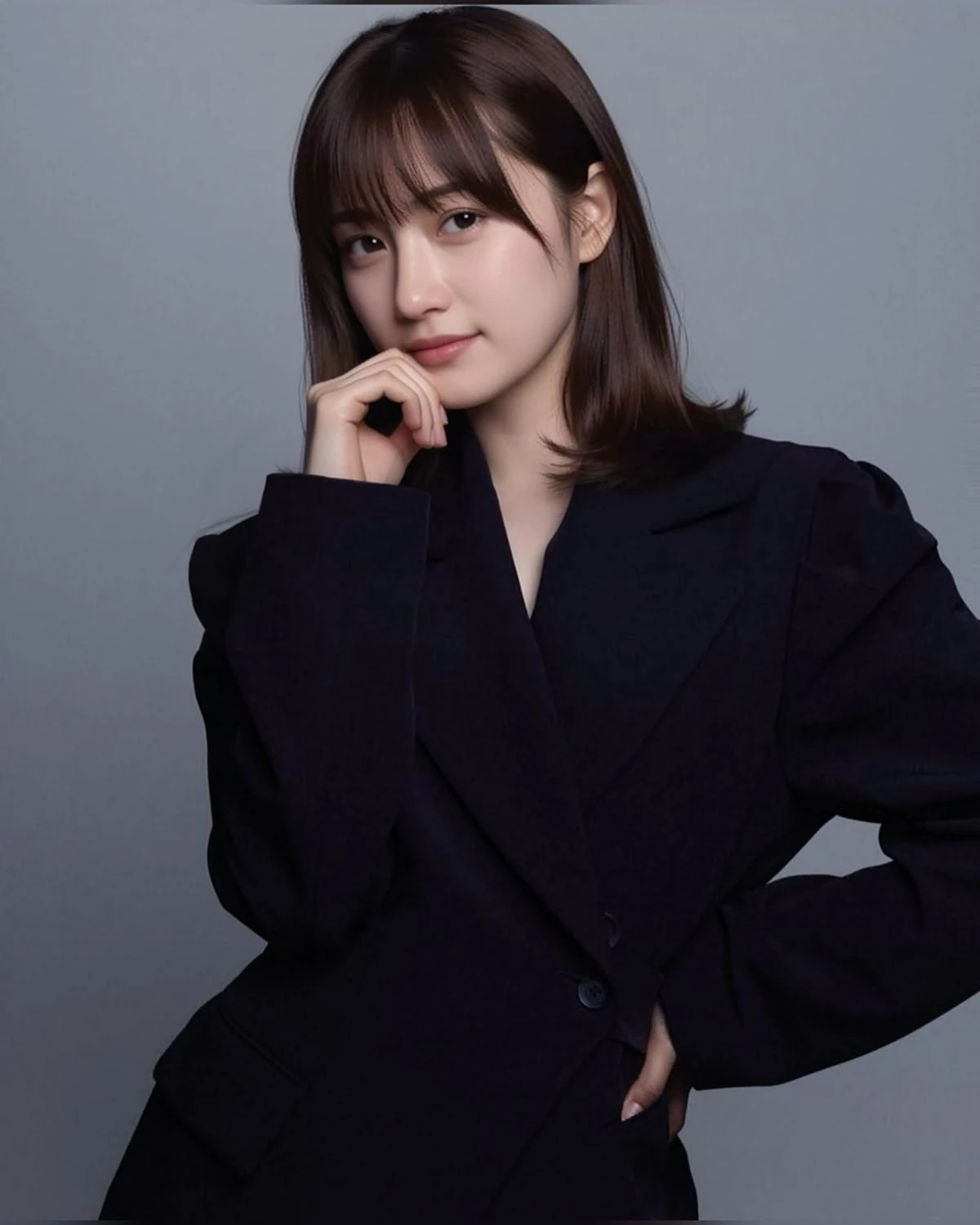
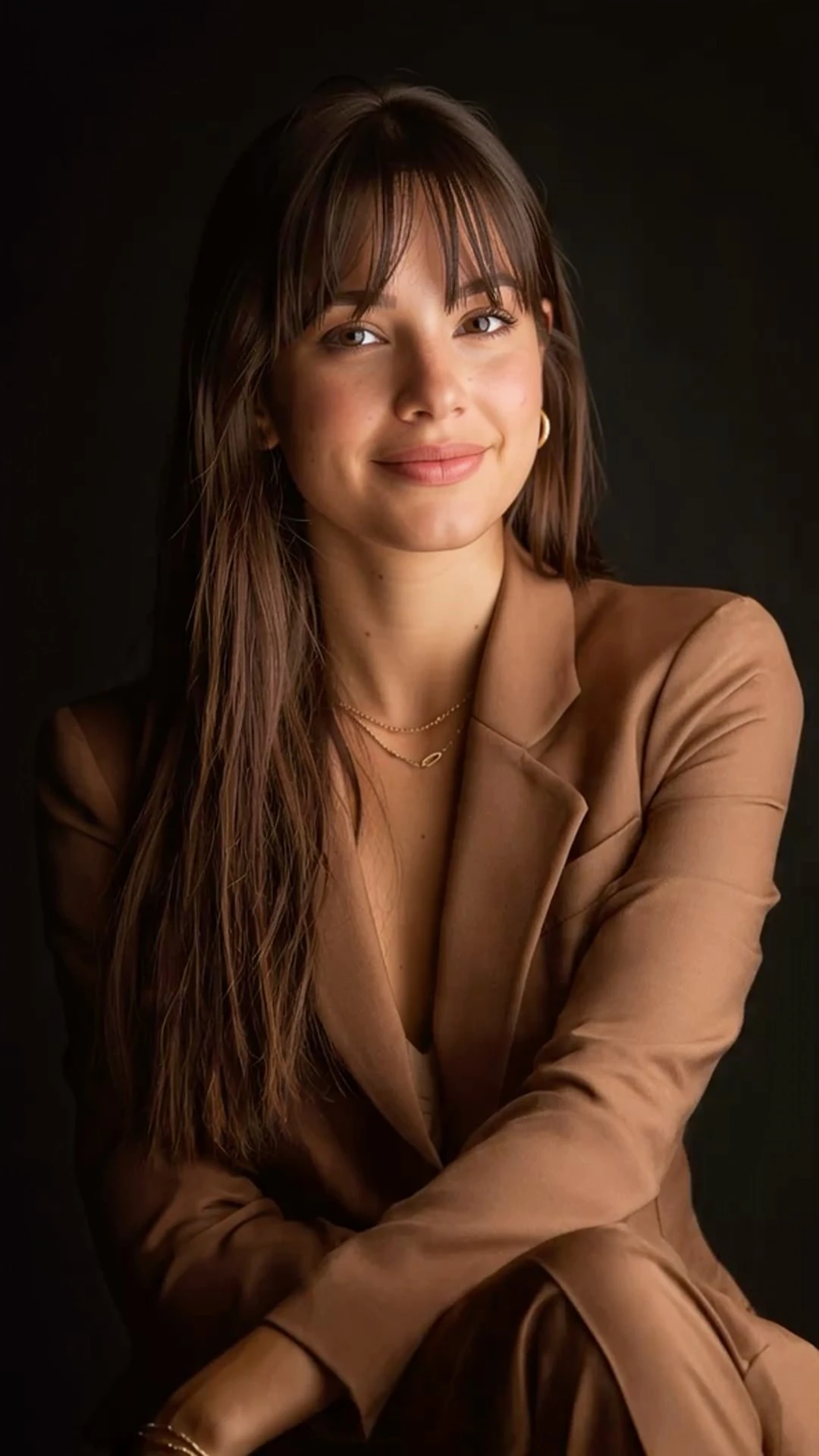
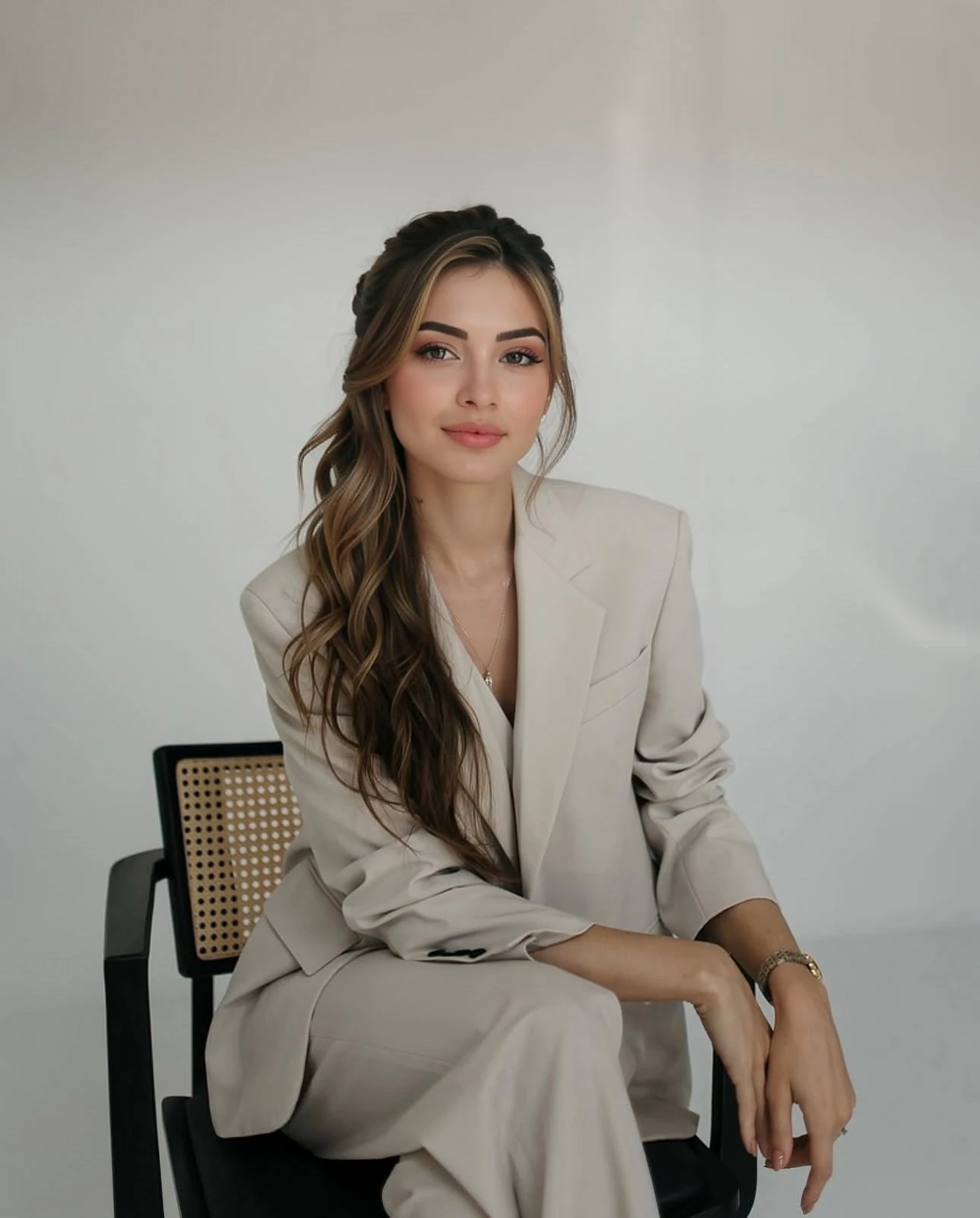
Speaker bio

Speaker bio

More personality, still polished.

Examples only. Bring any photo you choose.

PRIVACY

Your photos stay private.

Your photos and generated images are processed on Artisse-controlled AWS infrastructure in the EU. They are not sold to advertisers or sent to third-party AI services.

TLS in transitEU / Spain infrastructureAccount & data deletion
Privacy details →
GOOD TO KNOW

Headshot questions.

LinkedIn, CVs and what to check before you publish.

Can I use an AI headshot on LinkedIn?+
That depends on LinkedIn’s current rules, so check them before you upload. Use a headshot that looks like you today. Artisse is not affiliated with or endorsed by LinkedIn.
What makes a good LinkedIn headshot?+
Shoulders up, face filling most of the frame, a plain backdrop and soft light. It has to stay clear as a small circle in someone’s feed.
Should I put a headshot on my CV?+
Usually not in the US or the UK, where most resumes leave the photo off. Some countries expect one, so follow local norms.
Can I choose a more relaxed or more formal style?+
Yes. The photo you choose sets the style, so start with one that is as formal and as personal as you want to look.
Will clothing and background match exactly?+
Not always. The photo you choose guides both, but lapels, ties, jewelry and backdrop texture can vary between generations.
Is it free to try?+
Your first 3 photos are free for new users. Paid options are shown when you want to create more photos.
Your first 3 photos are free

Know the professional look you want?

Start with a headshot like that and create yours.

Get my 3 free photos